
1. The Problem
Power BI is one of the most powerful business intelligence platforms on the market. But when it comes to getting data out of a report, the native experience often leaves analysts frustrated.
Microsoft's built-in export options come with hard limits:
- CSV exports: Capped at 30,000 rows
- Excel exports: Capped at 150,000 rows
- Embedded reports: No native export option at all
- PDF exports: Only available in certain licensing tiers
For analysts working with large datasets or embedded dashboards, these limitations aren't minor inconveniences — they're workflow blockers.
2. The Real-World Scenario
This guide is for analysts and professionals who have legitimate access to Power BI reports — whether shared by a client, a colleague, or a vendor — and need to work with that data in other formats.
Common situations where native export falls short:
- Client dashboards: A consultant receives a read-only embedded report and needs to cross-reference the data with internal spreadsheets.
- Vendor analytics: A manager receives a supplier's Power BI link and needs to present the data in a custom Excel template.
- Cross-report analysis: An analyst needs to merge data from multiple Power BI sources into a single dataset for deeper analysis.
- Offline work: A field team needs report data in PDF or Excel for presentations where internet access is unreliable.
If you don't have permission to access the report, none of these methods will work (nor should they).
3. Why Native Options Fail
Let's break down exactly where the built-in tools stop being useful.
Row Limits
| Export Format | Native Limit | When It Breaks |
|---|---|---|
| CSV | 30,000 rows | Medium-sized datasets, monthly reports |
| Excel | 150,000 rows | Large datasets, enterprise dashboards |
| License-dependent | Sharing static reports with stakeholders |
Embedded Reports
Power BI embedded in third-party portals (SharePoint, Salesforce, custom apps) often has export completely disabled. The data is visible, but trapped in the browser.
Format Restrictions
Native export doesn't always preserve:
- Calculated columns and measures
- Custom formatting
- Hierarchical structures
The result? A flattened, partial dataset that requires manual cleanup before it's usable.
4. A Practical Solution
BI Table Exporter is a Chrome extension built specifically for this gap.
It works by detecting tables directly in the Power BI interface — including embedded reports and iframes — and exporting them to your format of choice.
How It Works (4 Steps)
- Navigate to any Power BI report in your browser
- Click the extension icon — it detects tables automatically
- Select your format: CSV, JSON, Excel, HTML, or PDF
- Export — the file downloads instantly, processed 100% locally
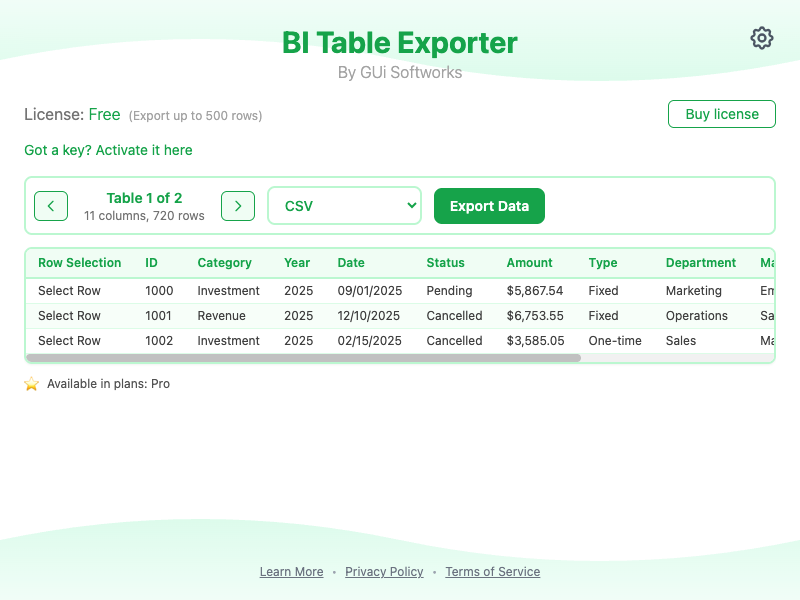
See It in Action — less than 2 minutes
Key Features
| Feature | Benefit |
|---|---|
| Smart table detection | Finds Power BI tables automatically, even in iframes |
| 5 export formats | CSV, JSON, Excel, HTML, PDF |
| 100% local processing | No data sent to external servers |
| No account required | Start exporting immediately |
| 500 rows free | Full functionality for small datasets |
| Unlimited Pro | Remove limits for heavy users |
Privacy & Security
- No data collection: We don't store, track, or analyze your data
- No cloud processing: Everything happens in your browser
- No personal information required: Free tier works without registration
5. When to Use Each Method
Not every situation requires a third-party tool. Here's how to choose:
| Scenario | Native Export | BI Table Exporter |
|---|---|---|
| Small dataset (< 30K rows), standard report | ✅ Ideal | Optional |
| Large dataset (> 30K rows) | ❌ Fails | ✅ Ideal |
| Embedded/iframe report | ❌ Unavailable | ✅ Ideal |
| Need JSON or HTML format | ❌ Unsupported | ✅ Ideal |
| Need PDF without Pro license | ❌ Restricted | ✅ Available |
| Strict enterprise compliance requirements | ✅ Preferred | Evaluate policy |
Rule of thumb: Start with native export. When you hit a limit, BI Table Exporter fills the gap without changing your workflow.
6. Privacy and Compliance Considerations
Before using any export tool — including BI Table Exporter — confirm:
- You have legitimate access to the report and its data
- Your organization's data policy permits export to local files
- Sensitive data is handled according to your compliance framework (GDPR, HIPAA, SOC 2, etc.)
BI Table Exporter processes everything locally specifically to minimize compliance risk. No data passes through our servers. But the responsibility for appropriate data use remains with you and your organization.
Conclusion
Power BI's native export works for simple, small-scale scenarios. But for analysts working with large datasets, embedded reports, or non-standard formats, the built-in tools often fall short.
BI Table Exporter was built to solve exactly this problem — without compromising on privacy, security, or simplicity.
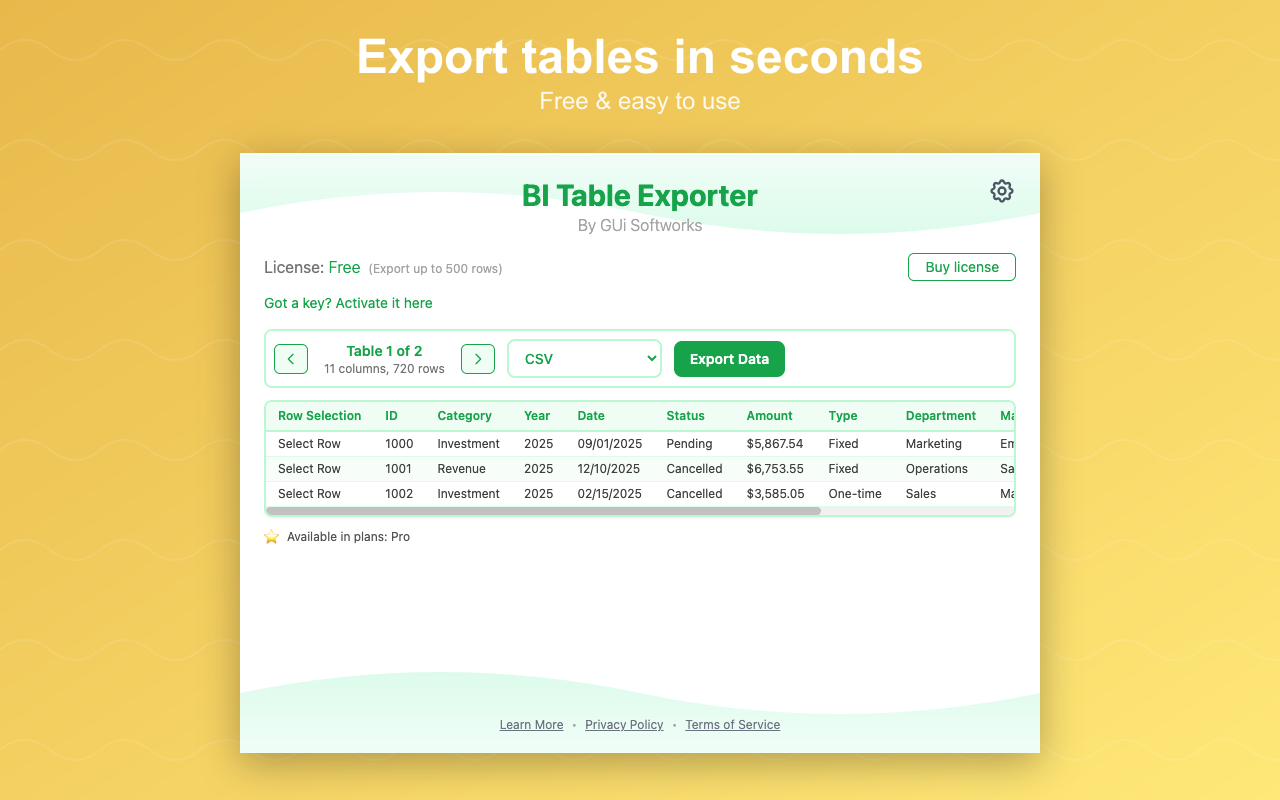
500 rows free. Unlimited with Pro. 100% local processing.
GUi Softworks builds browser extensions that simplify how professionals work with web data. Privacy-first. Local processing. Zero data collection.
© 2026 GUi Softworks. All rights reserved.